Step-by-Step Guide to Implementing Change Management with In-App Guidance

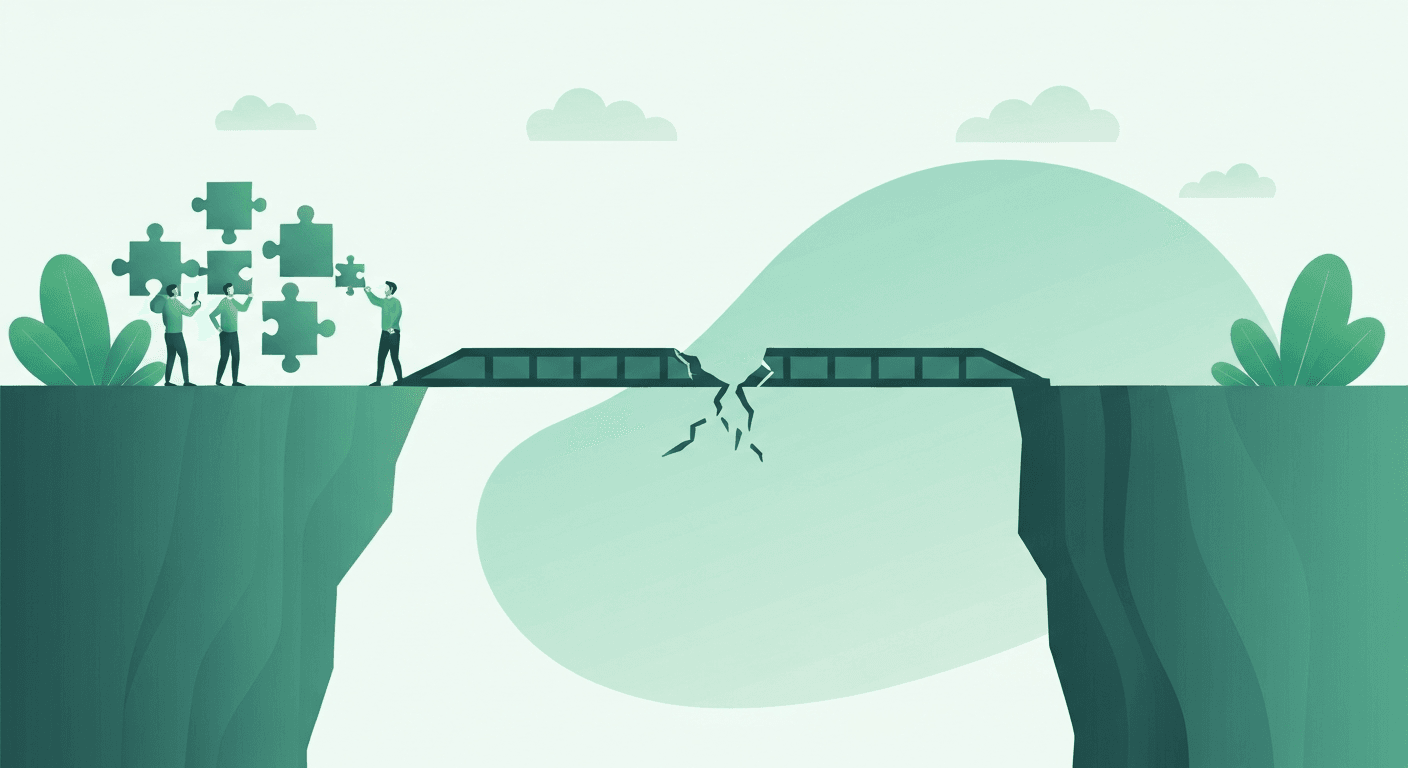
Software change management fails when users are unprepared. Whether you are migrating from an on-premise ERP to SAP S/4HANA, upgrading your CRM, or rolling out a new HRIS module, the difference between success and failure often comes down to how well you guide users through the change - not the technology itself.
This step-by-step guide covers implementing change management with in-app guidance, from planning through deployment and measurement.
Why Traditional Change Management Falls Short
Traditional change management relies on communications (emails, town halls), classroom training, and documentation. These methods share a fatal flaw: they are disconnected from the application. Users receive information in one context and must apply it in another, creating a gap that leads to confusion, workarounds, and resistance.
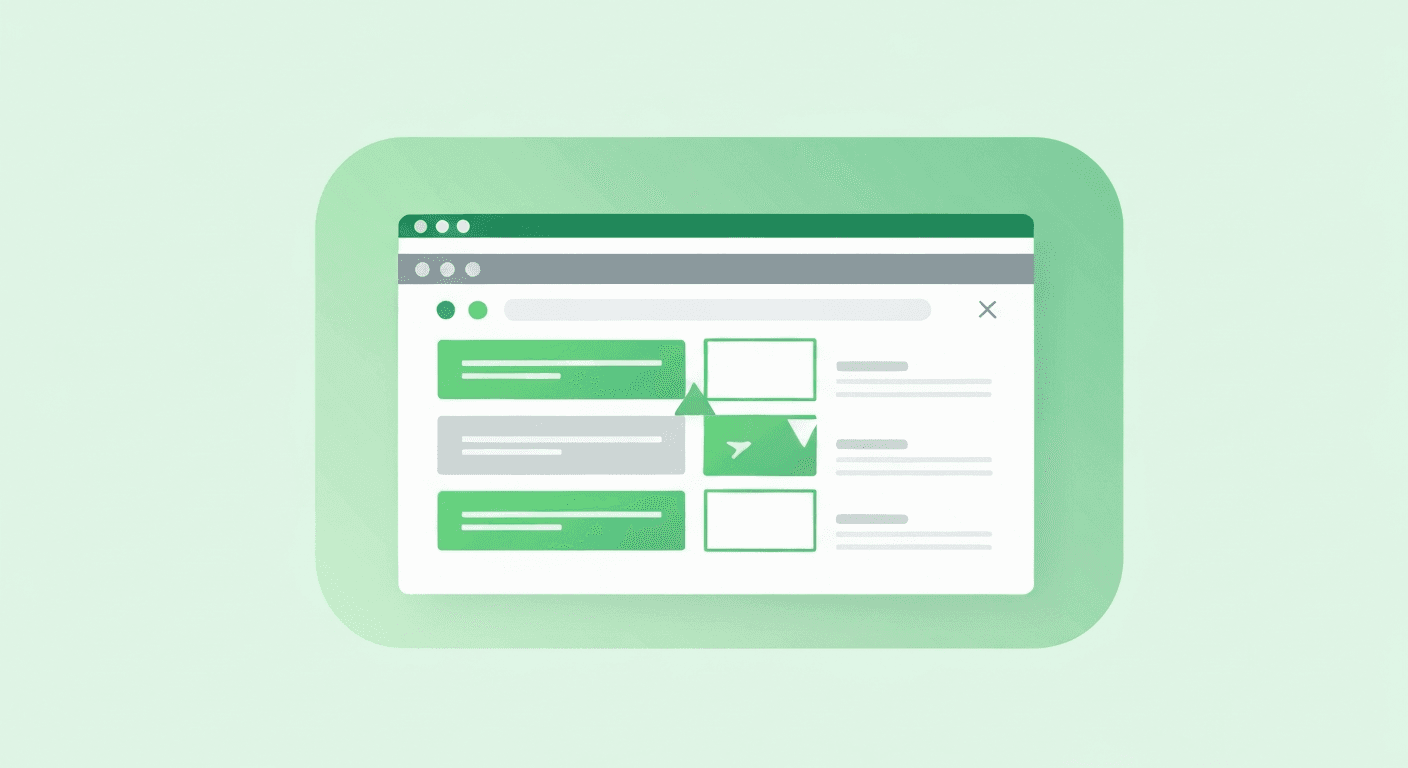
In-app guidance closes this gap by delivering the right instruction, in the right place, at the right time.
Step 1: Plan Your Communication Strategy
Before building any walkthroughs, establish a communication plan that answers three questions for every affected user:
- Why is this change happening? - Connect the change to business objectives users care about
- What will be different? - Specific workflows, screens, or processes that are changing
- What support is available? - How to access in-app walkthroughs, the knowledge base, and human support
Step 2: Build Walkthroughs in UAT First
Create your guided walkthroughs in the UAT (User Acceptance Testing) environment before production deployment. This allows you to:
- Test the walkthrough flows against the actual new interface
- Get feedback from a pilot group before broad rollout
- Refine wording, sequencing, and pacing based on real user behavior
- Identify edge cases where the UI may differ from expected layouts
Step 3: Segment by User Group
Different user groups experience the change differently. A manager needs to understand new approval workflows; a data entry clerk needs to learn new form layouts. Build separate walkthrough sets for each segment using rule-based segmentation.
Step 4: Deploy with a Phased Rollout
Roll out in-app guidance in phases to manage risk and gather learning:
| Phase | Audience | Duration | Goal |
|---|---|---|---|
| Pilot | 5-10% of users (change champions) | 1-2 weeks | Validate content and identify issues |
| Early Adopters | 20-30% of users | 2-3 weeks | Refine based on feedback; build momentum |
| General Rollout | All users | Ongoing | Full deployment with optimized content |
Step 5: Monitor and Adjust in Real Time
Use adoption analytics to track the change management program daily during the first 30 days:
- Which walkthroughs have low completion rates? Revise them.
- Which user segments are falling behind? Target them with additional guidance.
- Are support tickets spiking for specific processes? Create new walkthroughs for those areas.
Step 6: Transition to Ongoing Support
After the initial change period, transition from active change management to self-service support. Keep the search bar widget active so users can find walkthroughs on demand, and maintain the self-service knowledge base as a permanent resource.
Key takeaway: In-app guidance transforms change management from a one-time communication exercise into a continuous support system. The organizations that handle software changes most effectively are those that guide users inside the application, not outside it.