How to Use AI Chatbots for Enterprise Knowledge Management
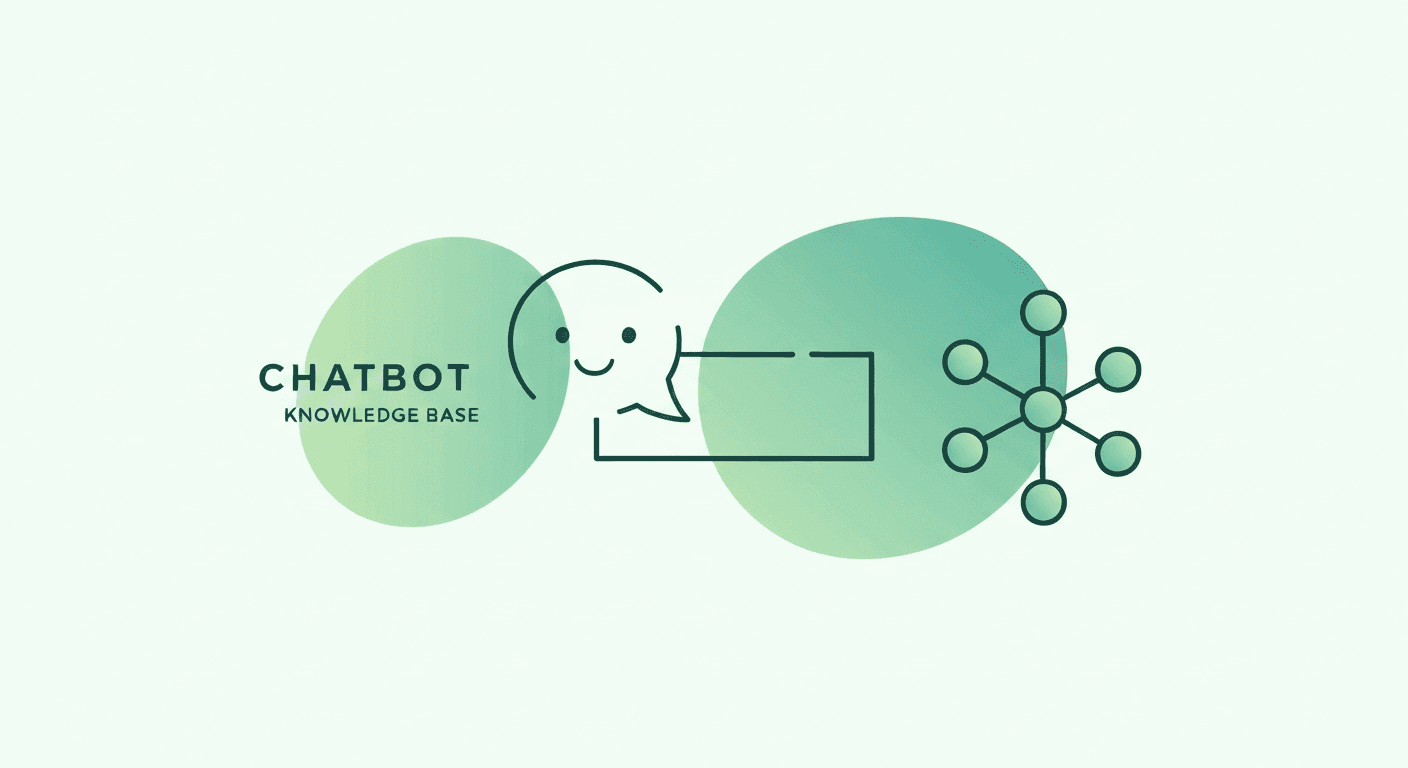
Enterprise knowledge management has long been a challenge: documentation scattered across wikis, SharePoint sites, PDFs, and tribal knowledge. AI chatbots powered by Retrieval-Augmented Generation (RAG) solve this by creating a single, conversational interface that can answer any question by drawing on your entire knowledge corpus.
How RAG Chatbots Work
- Document ingestion: Knowledge base articles, SOPs, training manuals, web content, and FAQs are processed and converted into vector embeddings
- User query: An employee asks a natural-language question ("How do I submit an expense report over $5,000?")
- Retrieval: The system searches the vector database for the most semantically relevant document passages
- Generation: The AI synthesizes a concise, accurate answer from the retrieved content, with source citations
- Feedback loop: Unanswered or poorly answered questions are flagged for the content team to address
RAG vs. Traditional Knowledge Bases
| Feature | Traditional Knowledge Base | RAG-Powered AI Chatbot |
|---|---|---|
| Search method | Keyword matching | Semantic understanding |
| Answer format | Returns full articles; user must find the answer | Returns a direct, synthesized answer |
| Multi-source support | Limited to one repository | Aggregates across all knowledge sources |
| Natural language support | Requires knowing the right keywords | Understands conversational queries |
| Content gap detection | Manual analysis of search failures | Automatic flagging of unanswered questions |
| Maintenance effort | High (manual tagging, categorization) | Low (automatic re-indexing) |
Implementation Guide
Phase 1: Content Audit and Preparation
Before deploying a RAG chatbot, audit your existing knowledge. Identify outdated, duplicate, or contradictory content. The AI can only be as good as the knowledge it draws from.
Phase 2: Ingestion and Vectorization
Feed your cleaned knowledge corpus into the RAG pipeline. Typical sources include: internal wikis, help desk knowledge bases, SOP documents, training materials, and product documentation.
Phase 3: Testing and Tuning
Test the chatbot with real user queries from your support ticket history. Measure answer accuracy, relevance, and completeness. Tune retrieval parameters to optimize results.
Phase 4: Deployment and Integration
Deploy the chatbot as an in-app widget accessible from within your enterprise applications. Integrate with your self-service support ecosystem so the chatbot works alongside walkthroughs and the knowledge base.
Phase 5: Continuous Improvement
Monitor the chatbot's performance through answer quality metrics, user satisfaction surveys, and content gap reports. Use the feedback loop to continuously expand and refine the knowledge base.
Security Considerations
- Data isolation: Ensure the chatbot only accesses knowledge that the querying user is authorized to see
- No data leakage: The AI should never include information from one department's documents in answers to another department
- Audit logging: All chatbot interactions should be logged for compliance and review
- On-premise deployment: For highly regulated industries, ensure the AI models can run within your security perimeter
Bottom line: RAG-powered chatbots transform fragmented enterprise knowledge into a single, conversational resource. They reduce support costs, improve employee self-sufficiency, and automatically identify gaps in your documentation that need attention.