Interactive Walkthroughs vs. Video Training: Pros and Cons
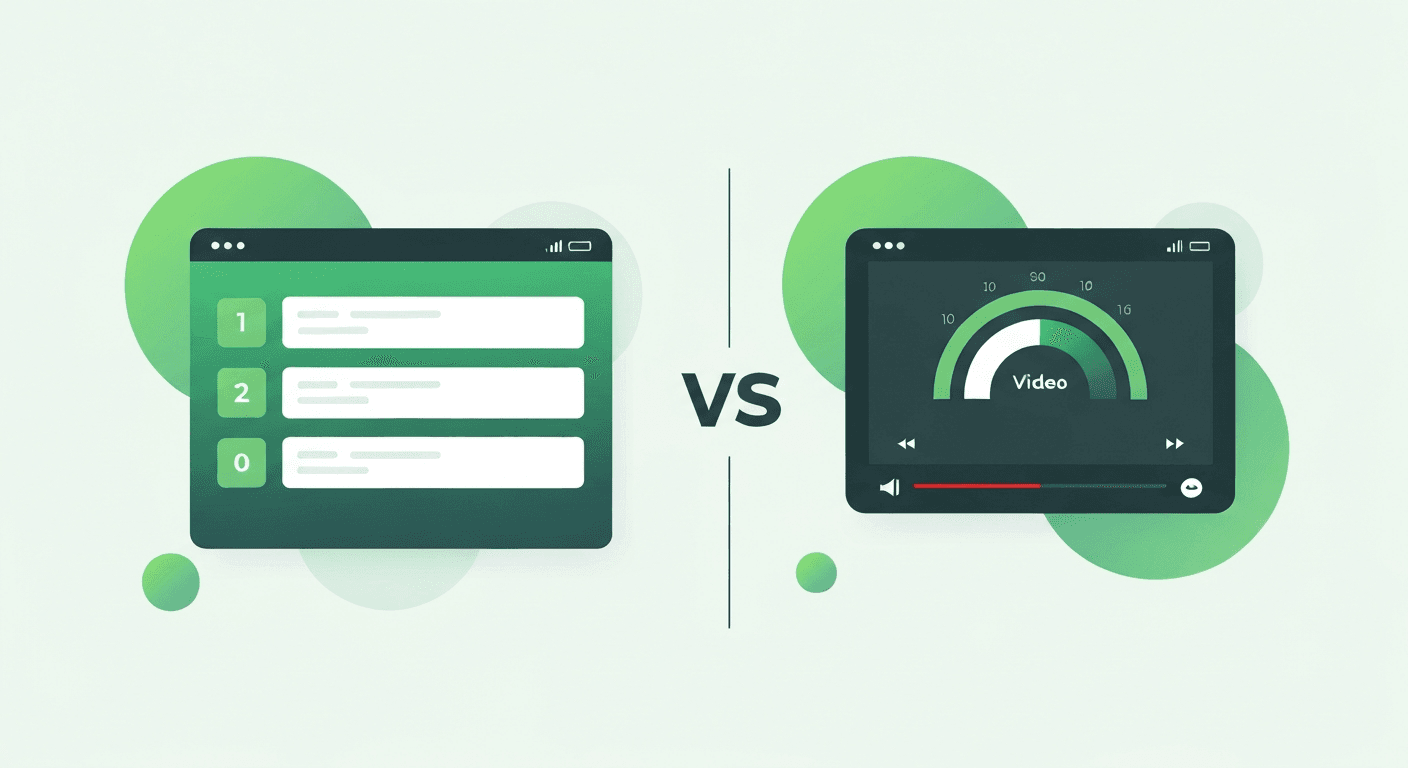
Interactive walkthroughs and video training are two of the most popular formats for software training. Each has distinct strengths and weaknesses. This comparison helps you decide when to use each approach - or how to combine them effectively.
Side-by-Side Comparison
| Factor | Interactive Walkthroughs | Video Training |
|---|---|---|
| Learning style | Active (learn by doing) | Passive (learn by watching) |
| Engagement rate | 75-90% completion | 20-40% watch-to-end |
| Knowledge retention | 65% after 30 days | 15-20% after 30 days |
| Creation time | 30-60 min per workflow | 4-8 hours per video (incl. editing) |
| Update effort | 5-10 min per change | Full re-recording required |
| Personalization | Role-based, behavior-based targeting | Same video for everyone |
| Analytics | Per-step completion, time-on-step, abandonment | Views, watch duration, drop-off point |
| Accessibility | Screen reader compatible, keyboard navigable | Requires captions, audio description |
| Scalability | Infinite at same cost | Infinite at same cost (after creation) |
| Mobile support | Responsive overlays | Standard video player |
When Walkthroughs Win
- Process training: Step-by-step tasks where users need to practice in the real application
- Frequently changing software: Walkthroughs can be updated in minutes when the UI changes
- Compliance workflows: Restrictive walkthroughs ensure users follow exact procedures
- Onboarding at scale: Personalized guidance for different roles without creating multiple videos
When Video Wins
- Conceptual overviews: Explaining the "why" behind a process or feature
- Complex demonstrations: Showing advanced workflows that benefit from narrated context
- Marketing and pre-sales: Showcase videos for prospects and stakeholders
- Instructor presence: Topics that benefit from a human face and personality
The Blended Approach
The most effective training programs combine both formats:
- Use video for: High-level orientation ("What is this software and why are we using it?")
- Use walkthroughs for: Task-level training ("Here's how to create a purchase order, step by step")
- Sequence them: Video introduces the concept → Walkthrough provides hands-on practice → Search bar enables on-demand replay
For a broader comparison of training methodologies, see our analysis of in-app guidance vs. traditional training.
Bottom line: Interactive walkthroughs outperform video for process training, maintenance efficiency, and retention. Video excels at conceptual content and demonstrations. Use both, matched to their strengths.